

CHOOSE BLOCK START
Select the recording mode.
Home, Video library, What are you filming?, Sprinting, then Block Start. The app asks for landscape.

APP OVERVIEW
A 30-second look at reviewing sprints, jumps and throws in Outperform Motion.
Outperform Motion is an iOS app for filming and reviewing track and field technique. Guided filming modes cover sprints, long jump, triple jump, high jump, pole vault, shot put, and discus, with a full-control Standard mode for anything else. Review a clip frame by frame, draw and set angles on it, record voiceover, and compare two clips side by side. The app is free to download and use, with paid Pro and Pro Cloud plans, on iPhone and iPad.
IN THE APP · BLOCK START MODE
Good reviews start with good video.
Outperform Motion sets up the shot before you record.
CHOOSE BLOCK START
Home, Video library, What are you filming?, Sprinting, then Block Start. The app asks for landscape.
SET UP THE SHOT
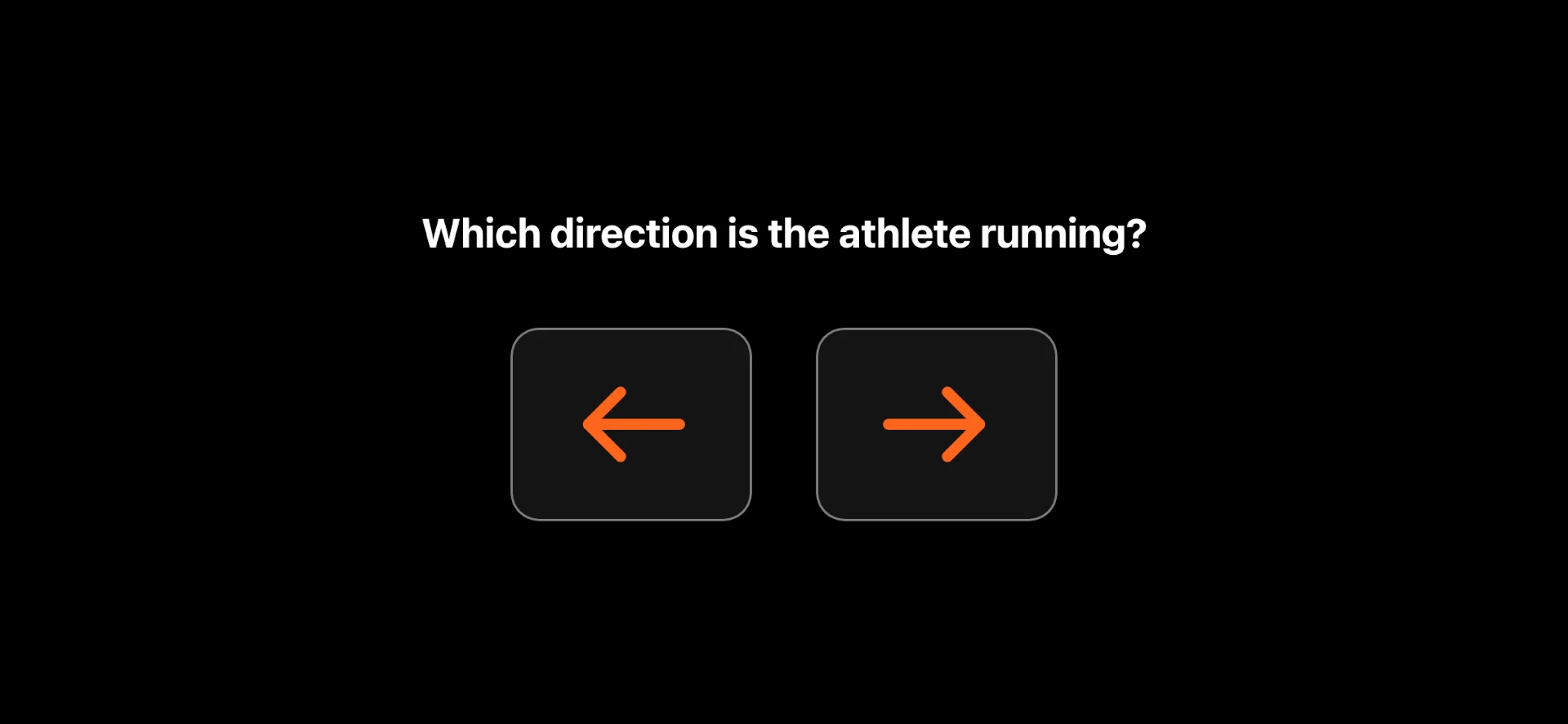
Choose the running direction, stand the athlete in front of the blocks, square up to the side, fill the box, and the app confirms each step before it lets you record.
CAPTURE
Over the years Outperform has received a lot of technique video from athletes and coaches, and almost all of it had a problem: panned, tilted, too close, too far back, or too blurred to read a frame. The filming modes came out of that. Each one puts the camera in the right place, level and side-on, and sets up the phone’s camera for fast movement, so the frames you review are sharp and every session lines up with the last. You coach and review; the camera settings are handled.
Prefer the iPhone’s own camera app? Import from your camera roll and review the same way.
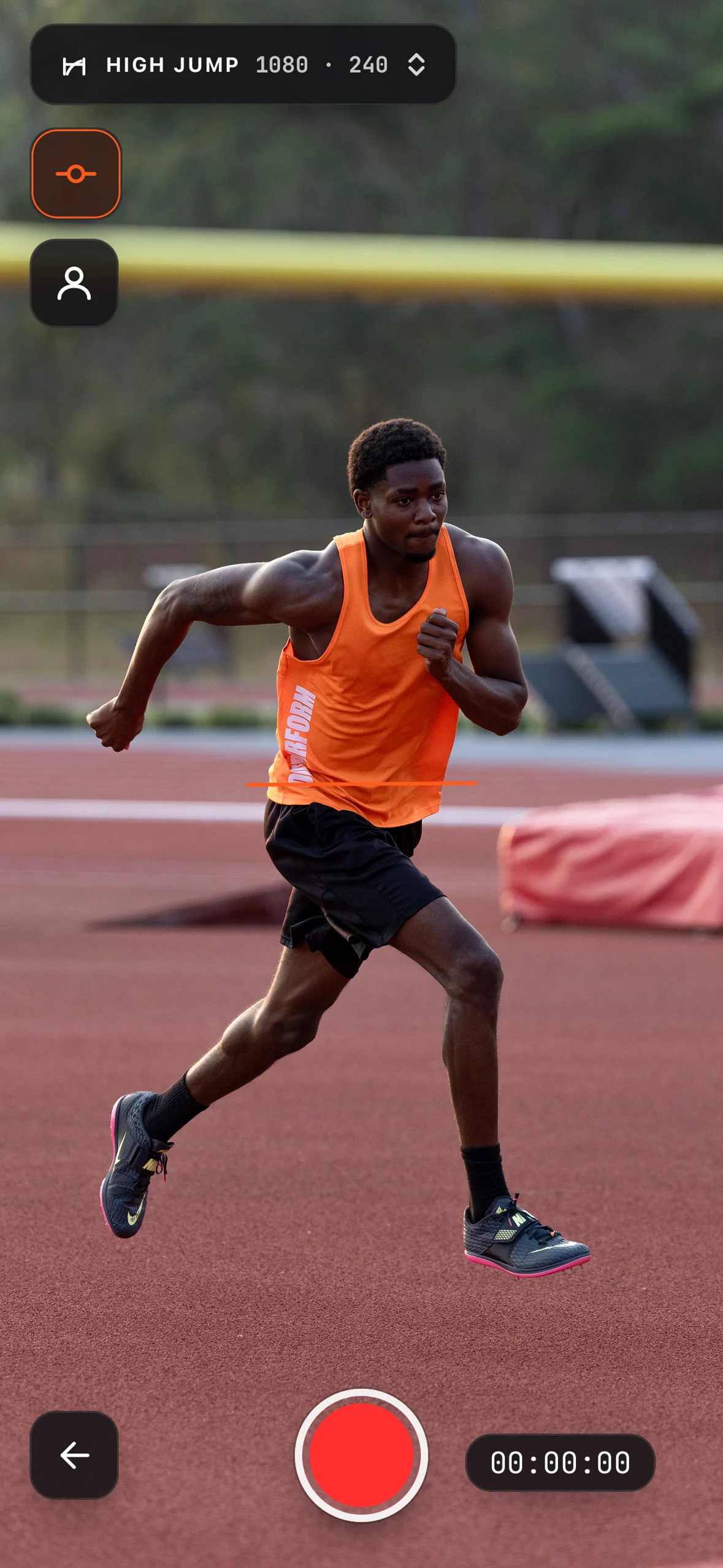
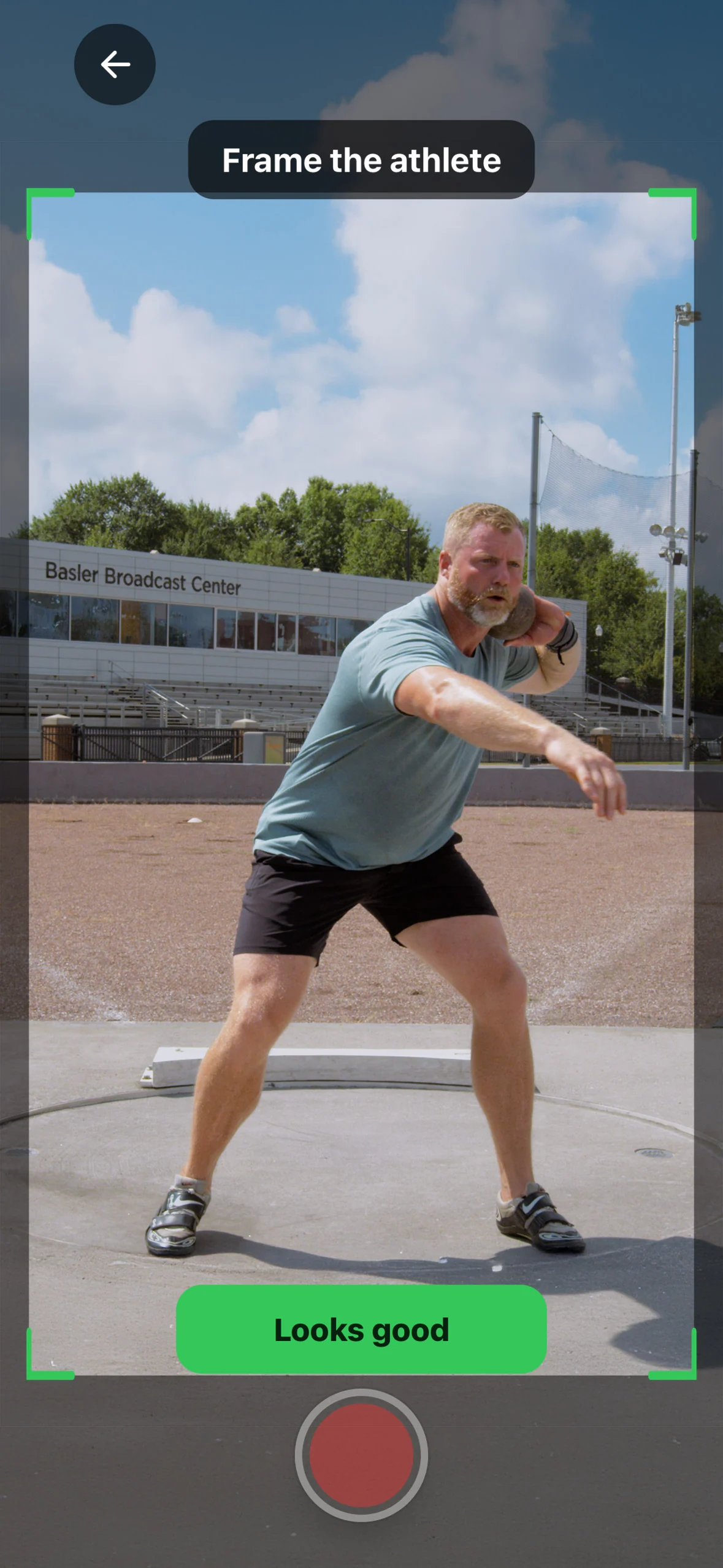
Each mode fixes the camera position, distance and height for its event, checks that the phone is level, sets the running direction, and confirms the athlete is in frame before recording starts.
Each mode sets a fast shutter speed for its movement, which cuts motion blur on a moving limb. Standard auto exposure lets the shutter slow down whenever the light drops, and the blur lands where you want to look: the foot at ground contact, the hand at release. Manual shutter and ISO are there in Standard mode for anyone who wants them.
Every guided mode records at 120 or 240 fps and remembers your choice per mode. Originals are kept at their recorded frame rate, so a 240fps clip stays 240fps in review. Ground contact at top speed lasts about a tenth of a second, which at 240fps is roughly 24 frames to step through.
DESIGNED FOR TRACK & FIELD
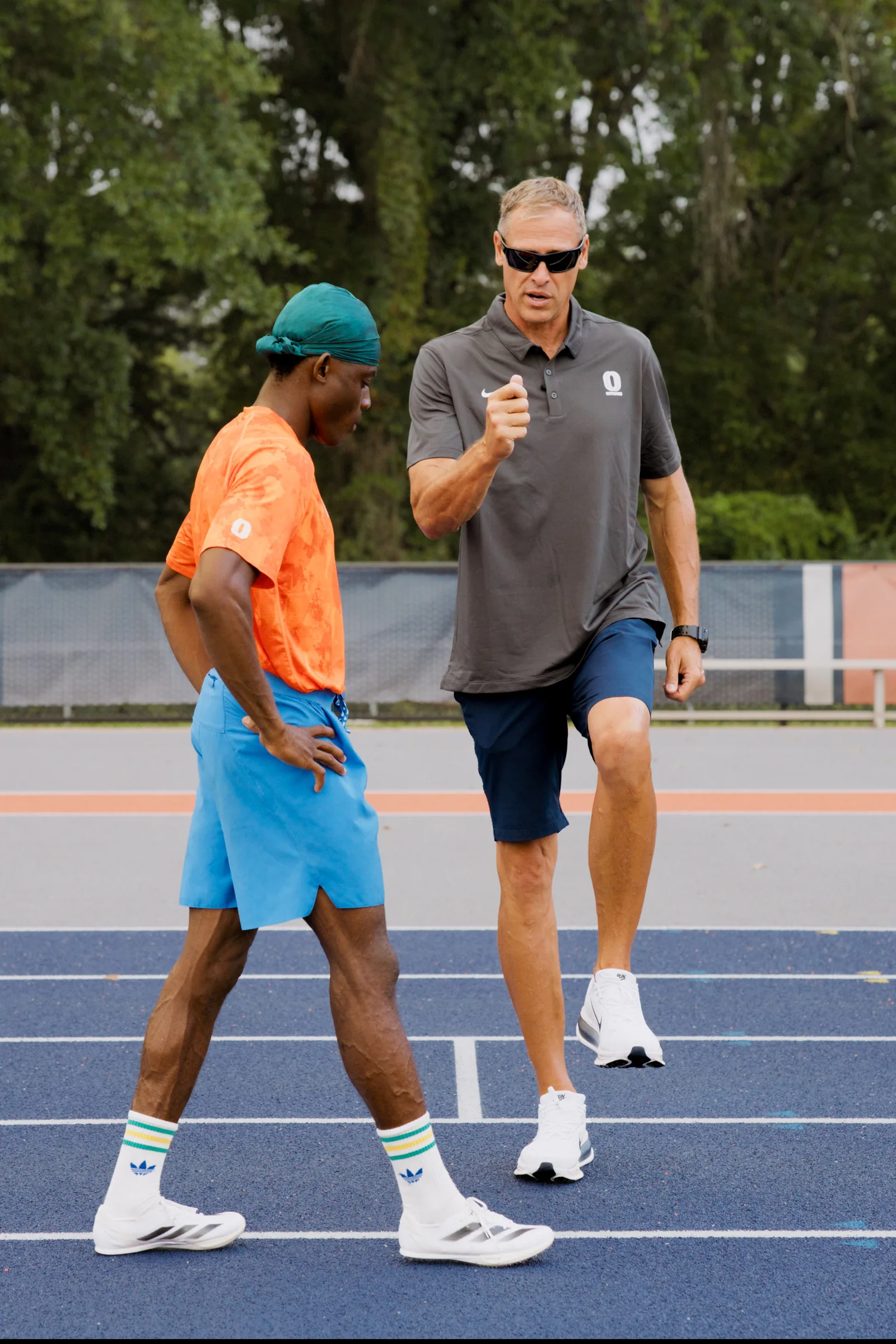
Outperform Motion was designed around the way track athletes are recorded and reviewed. The recording modes, camera displays, and analysis tools were developed for sprints, jumps, and throws, with input from track and field coaches.
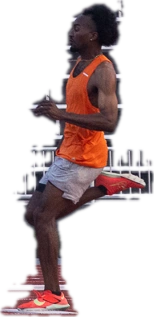
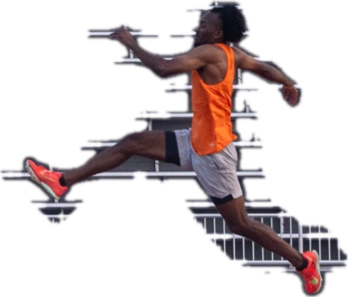
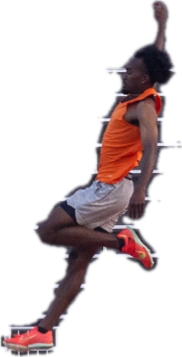
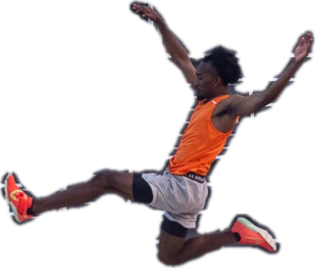
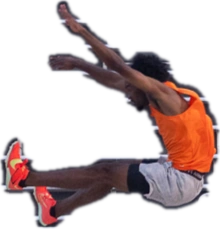
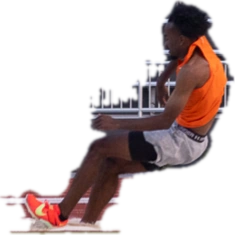
Outperform Motion was developed with input from Ken Harnden, head track and field coach at Auburn, and Ryan Baily, jumps and multi-event coach at Georgia. Both have coached athletes at the Olympic Games.
They brought the perspective of coaches who have filmed thousands of training videos and know what makes video useful for teaching. Our partnership spans several years and six courses filmed together. Working alongside them has given us a close understanding of how they spot technical details, explain what they see, and turn video into feedback athletes can use. Their expertise helped shape the app from recording through review.
TEAMS
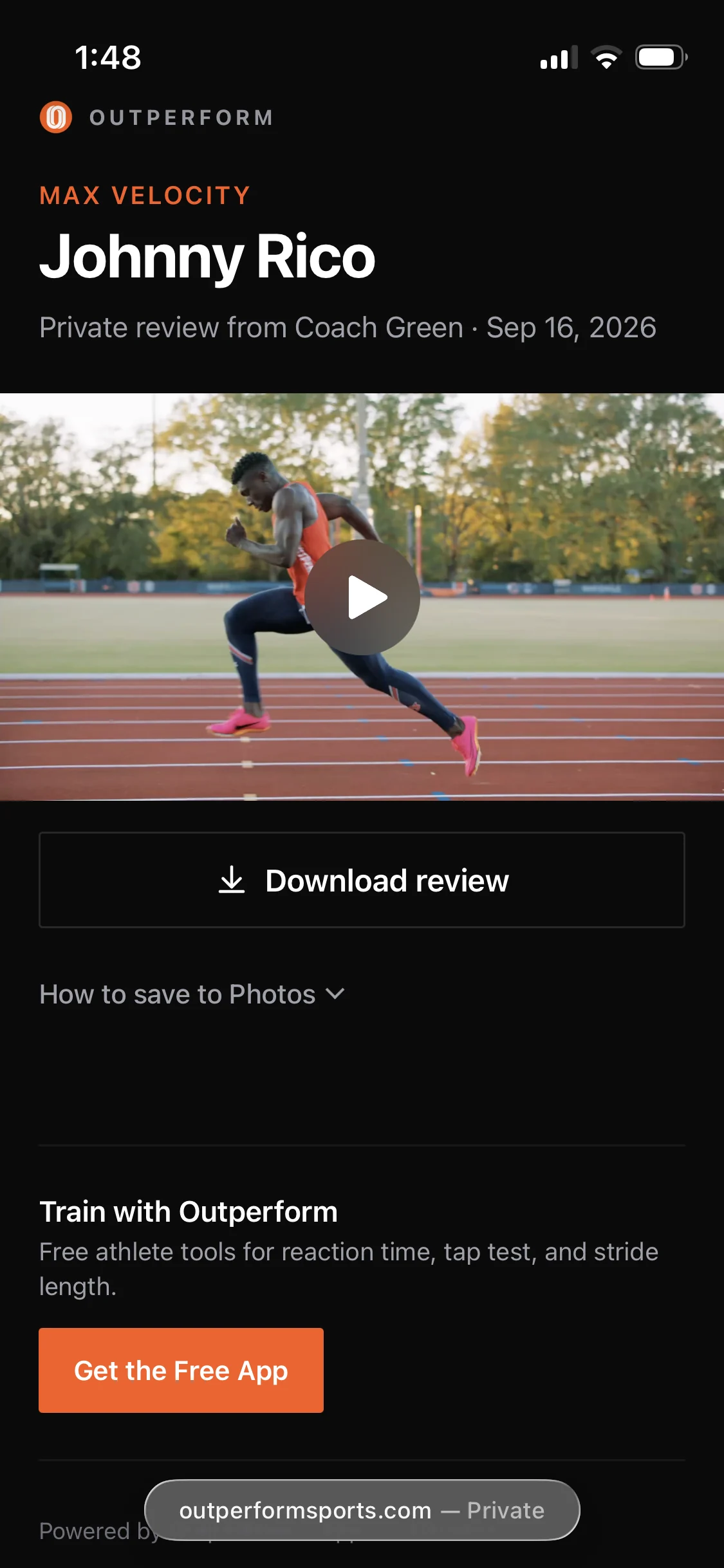
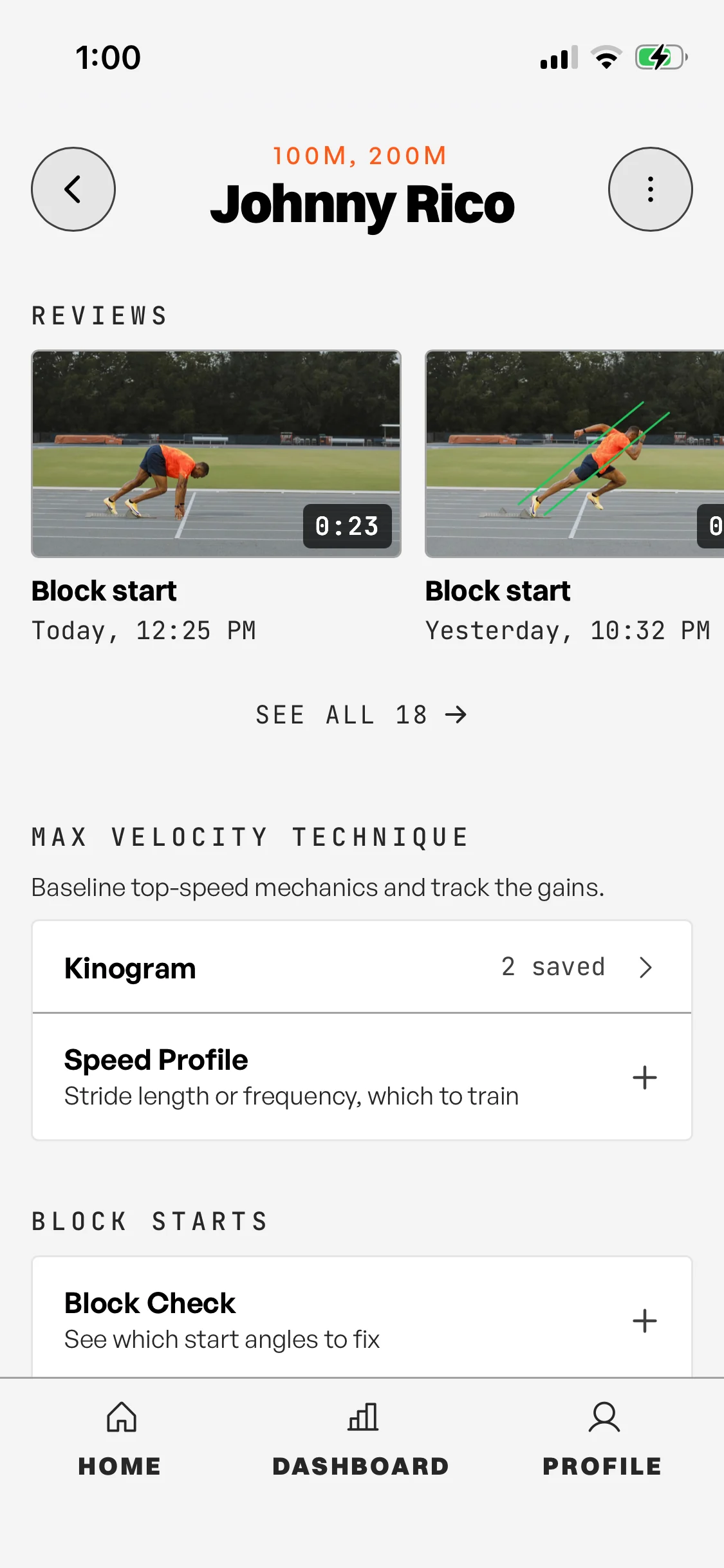
Create teams and training groups, add athletes, and open each athlete’s video and feedback from one place.
Every athlete gets a profile and a timeline of their reviews on the free plan. Pro raises the roster from 10 athletes to 50.
Compare plans ↗SPRINT TOOLS
Test reaction time, check daily readiness, build kinograms, set wicket spacing, create speed profiles, and check block positions with six tools developed for sprint training, and a live leaderboard for the reaction test. All free.
PLANS
Coach today. Keep your season. Keep everything. Fourteen filming modes, the review kit and the Sprint Tools are free; Pro adds the instruments and the season record; Pro Cloud adds the archive.
| Feature | FreeCoach today.$0 | ProKeep your season.$29.99/mo · $199.99/yr | Pro CloudKeep everything.$39.99/mo · $349.99/yr |
|---|---|---|---|
| Filming | |||
| Guided filming modesBlock Start, Kinogram, Technique Review, Timed Run, Speed Profile, Long Jump Takeoff, High Jump, Triple Jump, Pole Vault, Shot Put, Discus, Hammer, Javelin, plus Standard | ✓ | ✓ | ✓ |
| Live setup guideLevel line, framing box and distance hint; the box turns green when the athlete fills it | ✓ | ✓ | ✓ |
| 120 or 240 fps on every guided modeRemembered per mode. Standard offers 720p30 through 1080p240, plus 4K | ✓ | ✓ | ✓ |
| Manual shutter and ISOIn Standard mode | ✓ | ✓ | ✓ |
| Tag a clip to an athleteBefore or after filming | ✓ | ✓ | ✓ |
| Import from your camera roll | ✓ | ✓ | ✓ |
| Review | |||
| Drawing kitFreehand, line, arrow, angle, circle, text, polyline, horizontal and vertical lines, spotlight, parallel rails. Six colors, four weights | ✓ | ✓ | ✓ |
| Playback1x, 2x, 4x, 1/2x, 1/4x and real time. Frame step, frame-accurate scrubber, pinch to zoom | ✓ | ✓ | ✓ |
| Voiceover recordingScreen, marks and voice to a finished video | ✓ | ✓ | ✓ |
| Review length | 90 s | 10 min | 10 min |
| Side by side compareScrub and draw on each clip independently | ✓ | ✓ | ✓ |
| Synced side by sideBoth clips locked frame to frame, two frames snapshot as one image | · | ✓ | ✓ |
| Pose skeleton with joint anglesOn device. Trunk, head, knee, shin, ankle, thigh separation, elbow, hip plumb line. Focus presets | · | ✓ | ✓ |
| Stopwatch with splitsStart frame and up to 10 gates. Segment, cumulative, velocity. Scorecard burned onto the video | · | ✓ | ✓ |
| On-screen measurementCalibrate once against a known distance. Meters, or feet and inches | · | ✓ | ✓ |
| Sprint Tools | |||
| Six Sprint ToolsReaction, CNS Readiness, Kinogram, Wickets, Speed Profile, Block Check | ✓ | ✓ | ✓ |
| Athletes and sharing | |||
| Roster | 10 athletes | 50 athletes | 50 athletes |
| Athlete profiles and timelineEvery review, kinogram, speed profile and block check per athlete | ✓ | ✓ | ✓ |
| Notes per athlete | ✓ | ✓ | ✓ |
| Shares per month | 10 | No cap | No cap |
| Link expiry | 60 days | Never | Never |
| Shared links open in any browserNo app install for the athlete | ✓ | ✓ | ✓ |
| Athlete appConnect with a coach code, From Coach and My Videos, push notification per new video, offline library | ✓ | ✓ | ✓ |
| Shared reviews stored in the cloudAutomatic backup | · | ✓ | ✓ |
| Storage | |||
| Where originals live | Your Photos | Your Photos | Cloud, as filmed |
| Originals organized by athlete, any seasonOpen and compare frame to frame | · | · | ✓ |
| Originals library and re-download into a review | · | · | ✓ |
| Export everything to a computerLeave anytime and take it all with you | · | · | ✓ |
| iPhone and iPad | ✓ | ✓ | ✓ |
14 days free on either paid plan. Billed through the App Store.
Everything free today stays free.QUESTIONS
Outperform Motion is an iOS app for filming and reviewing track and field technique. Guided filming modes cover sprints, long jump, triple jump, high jump, pole vault, shot put, and discus, with a full-control Standard mode for anything else. Review a clip frame by frame, draw and set angles on it, record voiceover, and compare two clips side by side. The app is free to download and use, with paid Pro and Pro Cloud plans, on iPhone and iPad.
Recording, basic video review, drawing, voiceover, basic side-by-side comparison, exports, athlete profiles and timelines, and all six Sprint Tools are free in Outperform Motion, with usage limits. Pro adds the timing and measurement instruments, synchronized comparison, and a roster of 50 athletes. Pro Cloud adds the archive. Everything free today stays free.
Outperform Motion has guided filming modes for sprints (Block Start, Kinogram, Technique Review, Timed Run, Speed Profile), long jump takeoff, high jump, triple jump, pole vault, shot put, discus, hammer, and javelin, plus a full-control Standard mode for anything else.
Athletes can open a shared Outperform Motion review link in a browser without an account. An app account is optional.
Outperform Motion runs on iPhone and iPad. Coming to Android.
OnForm and CoachNow are general video tools: you film however you can and review what you got. Outperform Motion puts as much into the capture as the review. Guided filming modes for each event get the sharpest, best-framed video your phone can produce, which is what makes a review worth doing. Then the track-specific tools take over: instruments to diagnose technique, timing and measurement to track progress, and a record of every review for each athlete. If you coach golf, OnForm is the better choice.